
Installing Your Video Doorbell: A UK Guide to Video Doorbell Setup UK
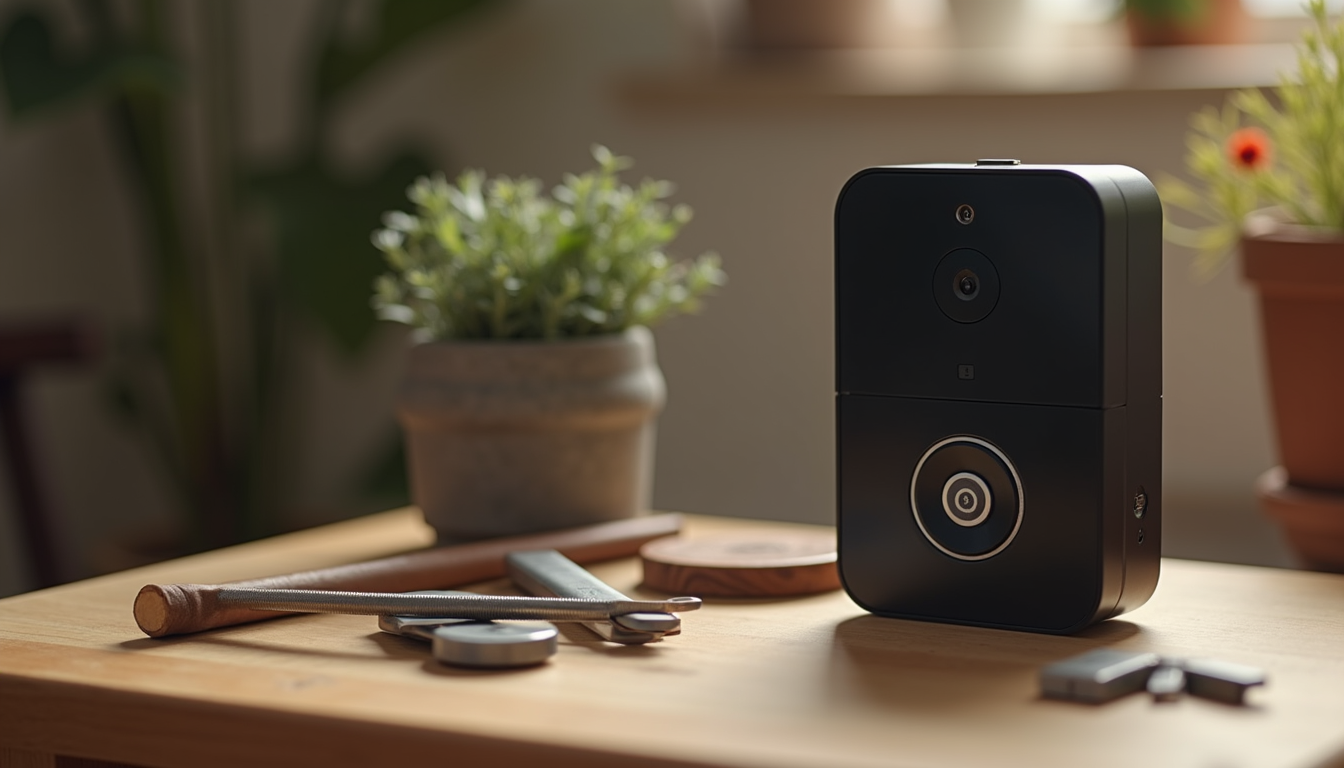
Installing a video doorbell is one of the smartest upgrades you can make to your home or small business. It boosts security, lets you see who’s at your door, and even helps you stay connected when you’re out and about. If you’re in Bournemouth, Dorset, or anywhere in the UK, this guide will walk you through the video doorbell setup UK process for your Eufy device. We’ll keep it simple, practical, and friendly.
Let’s dive in and get your video doorbell up and running in no time.
Why Choose a Video Doorbell Setup UK?
You might wonder, why bother with a video doorbell? Well, it’s more than just a fancy doorbell. It’s a security upgrade that gives you peace of mind. Here’s why it’s worth it:
- See visitors in real-time: Whether it’s a delivery, a friend, or a stranger, you get a live video feed.
- Two-way audio: Talk to visitors without opening the door.
- Motion alerts: Get notified when someone approaches your door.
- Record footage: Keep a record of all activity for security purposes.
For homeowners and small businesses in Bournemouth and Dorset, this means better protection and convenience.
Ready to get started? Let’s look at the basics of the video doorbell setup UK.
Preparing for Your Video Doorbell Setup UK
Before you start, preparation is key. Here’s what you need to do:
- Check your existing doorbell wiring Some video doorbells can work with or without existing wiring. If you have a wired doorbell, great! If not, you can use the battery-powered option.
- Gather your tools You’ll need a drill, screwdriver, level, and possibly a voltage tester if you’re working with wiring.
- Charge your doorbell If it’s battery-powered, make sure it’s fully charged before installation.
- Download the app This app will guide you through setup and let you control your doorbell.
- Check your Wi-Fi signal Your doorbell needs a strong Wi-Fi connection. Test the signal strength at your door.
Taking these steps will make the installation smoother and faster.
How Does a Doorbell Attach to a Wall?
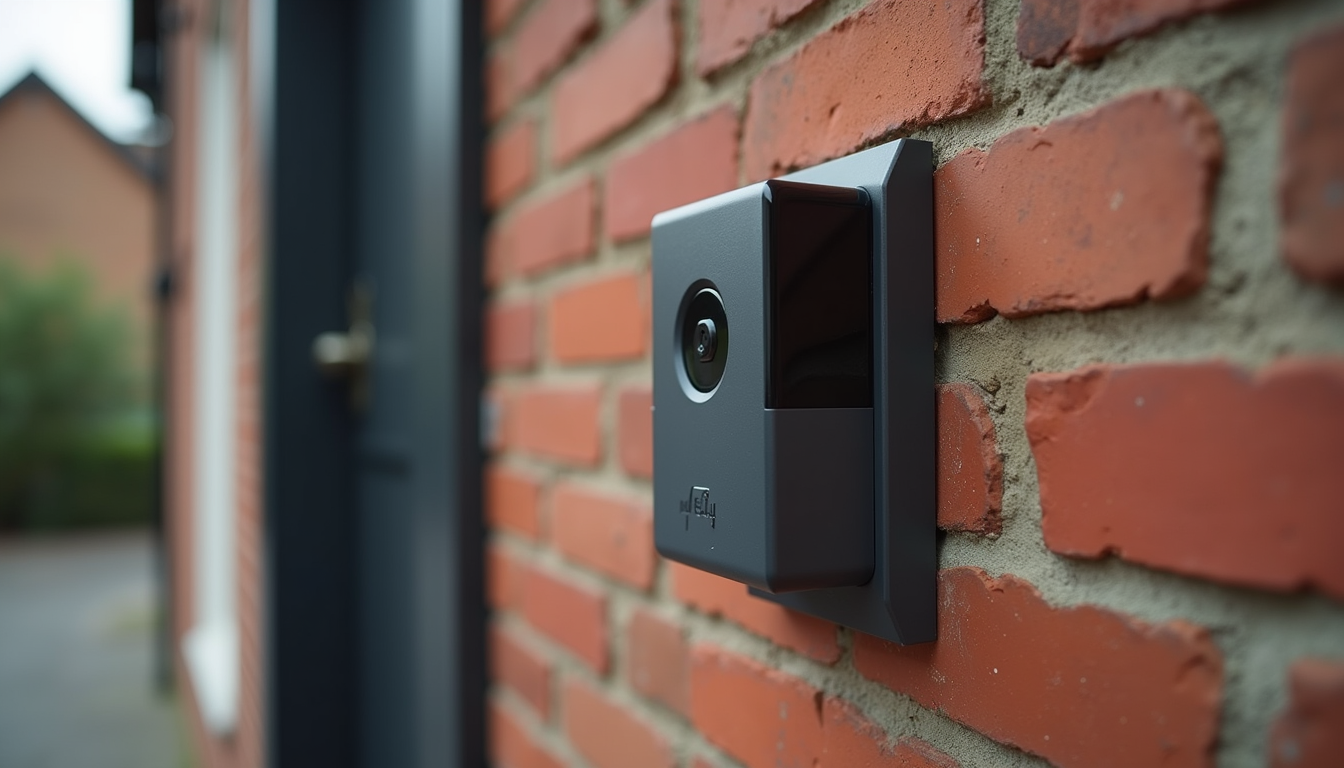
Now, let’s talk about how the Eufy doorbell actually attaches to your wall. It’s simpler than you might think.
- Mounting plate: The doorbell comes with a mounting plate. This plate is the base that you fix to your wall.
- Screws and anchors: Use the screws and wall anchors provided to secure the plate. If you’re mounting on brick or stone, use a masonry drill bit.
- Angle wedges: If your doorbell needs to face a certain direction, use the included angle wedges to tilt it.
- Snap on the doorbell: Once the plate is secure, the doorbell clicks onto the plate firmly.
Make sure the plate is level before drilling. A crooked doorbell can affect the camera’s view.
If you’re worried about drilling into your wall, don’t be. Just take your time and use the right tools. It’s a quick job that pays off in security.
Step-by-Step Video Doorbell Installation
Here’s a straightforward step-by-step guide to get your Eufy video doorbell installed:
- Turn off power (if wired) Safety first. Switch off the power at your fuse box if you’re connecting to existing wiring.
- Remove your old doorbell Unscrew and disconnect the old doorbell carefully.
- Attach the mounting plate Hold the plate against the wall, mark the holes, drill, and fix it with screws.
- Connect the wires (if applicable) Attach the existing doorbell wires to the terminals on the back of the mounting plate. Polarity doesn’t matter here.
- Snap the doorbell onto the plate Push the doorbell onto the plate until it clicks.
- Turn power back on Restore power at the fuse box.
- Set up the doorbell in the app Open the app and follow the prompts to connect your doorbell to Wi-Fi.
- Test your doorbell Press the button and check the video feed and notifications.
If you’re using the battery-powered option, skip the wiring steps and just mount the plate and snap on the doorbell.
This process usually takes less than an hour. And if you run into any issues, the app has helpful troubleshooting tips.
Tips for Optimising Your Video Doorbell Setup UK
Once your doorbell is installed, here are some tips to get the most out of it:
- Position for best view: Aim the camera to cover your doorstep and any paths leading to your door.
- Adjust motion zones: Use the app to set motion detection zones. This reduces false alerts from passing cars or neighbours.
- Enable notifications: Make sure your phone gets alerts when someone rings or motion is detected.
- Regularly check battery: If battery-powered, keep an eye on battery levels in the app.
- Secure your Wi-Fi: Use a strong password and keep your router firmware updated to protect your device.
By following these tips, you’ll enjoy a smooth and secure experience.
Power, Wi-Fi and Connection Checks
A reliable video doorbell depends on both power and connectivity. For a wired model, confirm that the existing supply is compatible and isolate the power before any electrical work. For a battery-powered model, start with a full charge.
- Weak Wi-Fi at the front door can cause delayed alerts or poor live video. Check signal strength before finalising the mounting position.
- If the doorbell will not connect, recheck the Wi-Fi details and restart the app or router before resetting the device.
- If a wired unit has no power, stop and check the supply and wiring safely rather than repeatedly reconnecting the device.
- If video quality is poor, test the Wi-Fi connection and adjust the video settings in the manufacturer’s app.
If the problem continues, use the manufacturer’s support guidance or ask a local installer to check the setup.
Why Trust Digital Doctors for Your Security Needs?
At Digital Doctors, we understand the importance of reliable, privacy-focused security solutions. We’re proud to serve Bournemouth and Dorset with expert advice and support. Whether you’re a homeowner or run a small business, we’re here to help you protect what matters most.
If you want professional help with your video doorbell installation, or need advice on connectivity and security, just get in touch. We’re your local experts, ready to assist.
Ready to Upgrade Your Security?
Installing your video doorbell is a smart move. It’s easy, effective, and gives you peace of mind. With this guide, you’re well on your way to a safer, more connected home or business.
Why wait? Grab your tools, charge your doorbell, and start your video doorbell setup UK today. You’ll wonder how you ever managed without it.
Stay safe and connected!